Next.js vs Remix: Routing Paradigms Compared (App Router, File-Based Routes, and Nested Layouts)
Compare Next.js and Remix routing paradigms: file-based routes, nested layouts, dynamic segments, data loaders vs server components, mutations, and route-level error handling.
Routing is where framework “feel” becomes real: it shapes how you structure features, load data, handle errors, and evolve an application over time. Next.js and Remix both build on React, but they approach routing with different default mental models—especially once you factor in nested layouts, data loading, and server-first patterns. This guide compares their routing paradigms side-by-side, focusing on how routes are defined, how nesting works, where data and mutations live, and what the day-to-day developer experience looks like.
High-level takeaway
- Next.js is primarily file-system routing with multiple “routers” (Pages Router and App Router). The App Router emphasizes nested layouts and React Server Components (RSC), which impacts how you think about route boundaries and data fetching.
- Remix is file-system routing designed around nested routes and web fundamentals (loaders/actions, forms, HTTP caching). It makes route modules the center of UI + data + mutations for that segment.
- Both support nested UI, dynamic routes, and route-level error handling, but they differ in defaults: Next leans into component-driven rendering primitives; Remix leans into route-module-driven data/mutation primitives.
1) How routes are defined: file-based in both, but with different primitives
Both frameworks use the filesystem to define routes, but the “unit of routing” differs in practice.
Next.js: Pages Router vs App Router
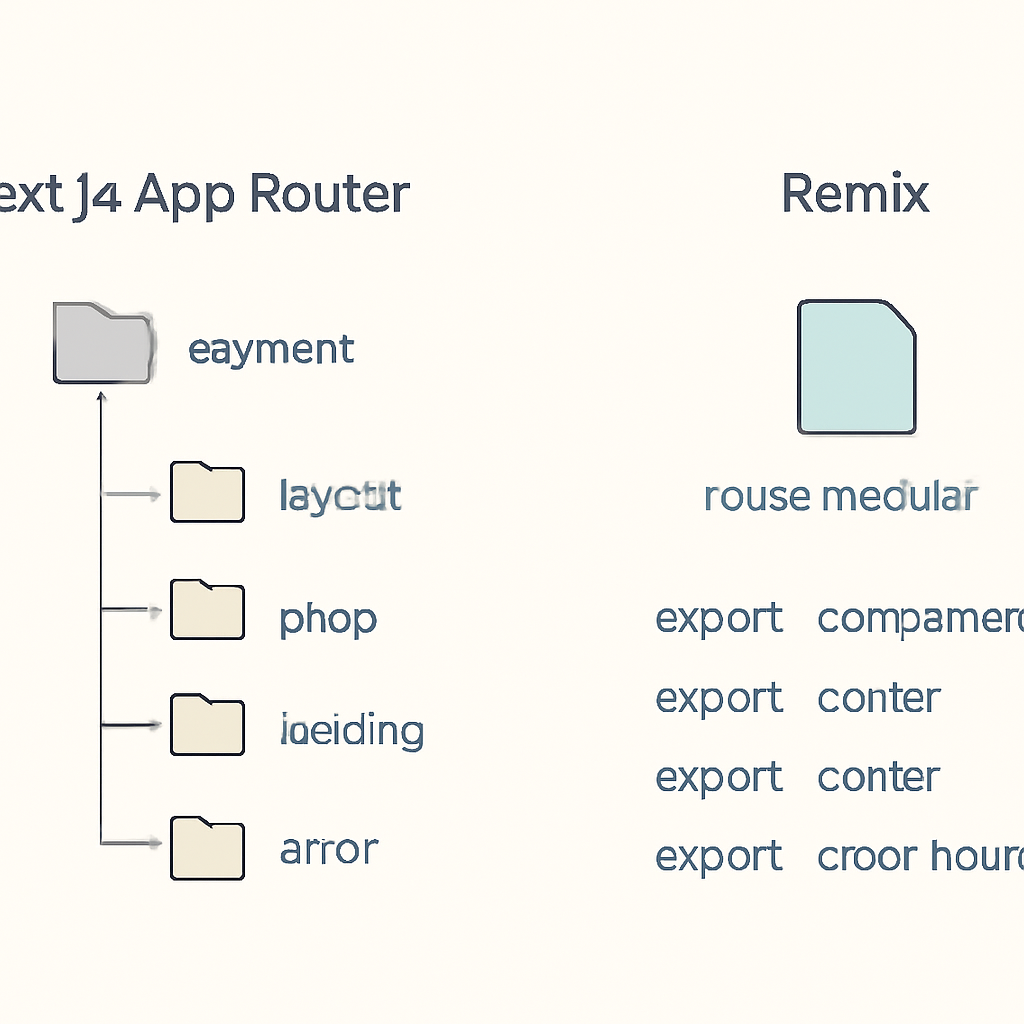
Next.js has two routing systems: - Pages Router (the classic /pages directory): each file maps to a route. You compose shared UI via custom patterns (e.g., a layout component in _app) and per-page data functions. - App Router (the /app directory, introduced in Next.js 13+): routes are folders with special files (such as page and layout). This enables nested layouts as a first-class concept. In the App Router, a route segment is usually a folder, and the files inside that folder define behavior: what renders for that segment (page), what wraps it (layout), and how errors/loading are handled (error/loading) at that boundary.
Remix: route modules as the core primitive
Remix routes are also file-based, but each route is typically a “module” that can export: - a component (the UI for that route) - a loader (data loading for that route) - an action (mutations for that route) - error boundaries (route-scoped error handling) Even though the filesystem defines the URL structure, Remix encourages you to think in terms of nested route modules that each own their data and mutations.
2) Nested routes and layouts: shared UI is first-class in both, but shaped differently
Next.js App Router: nested layouts via layout files
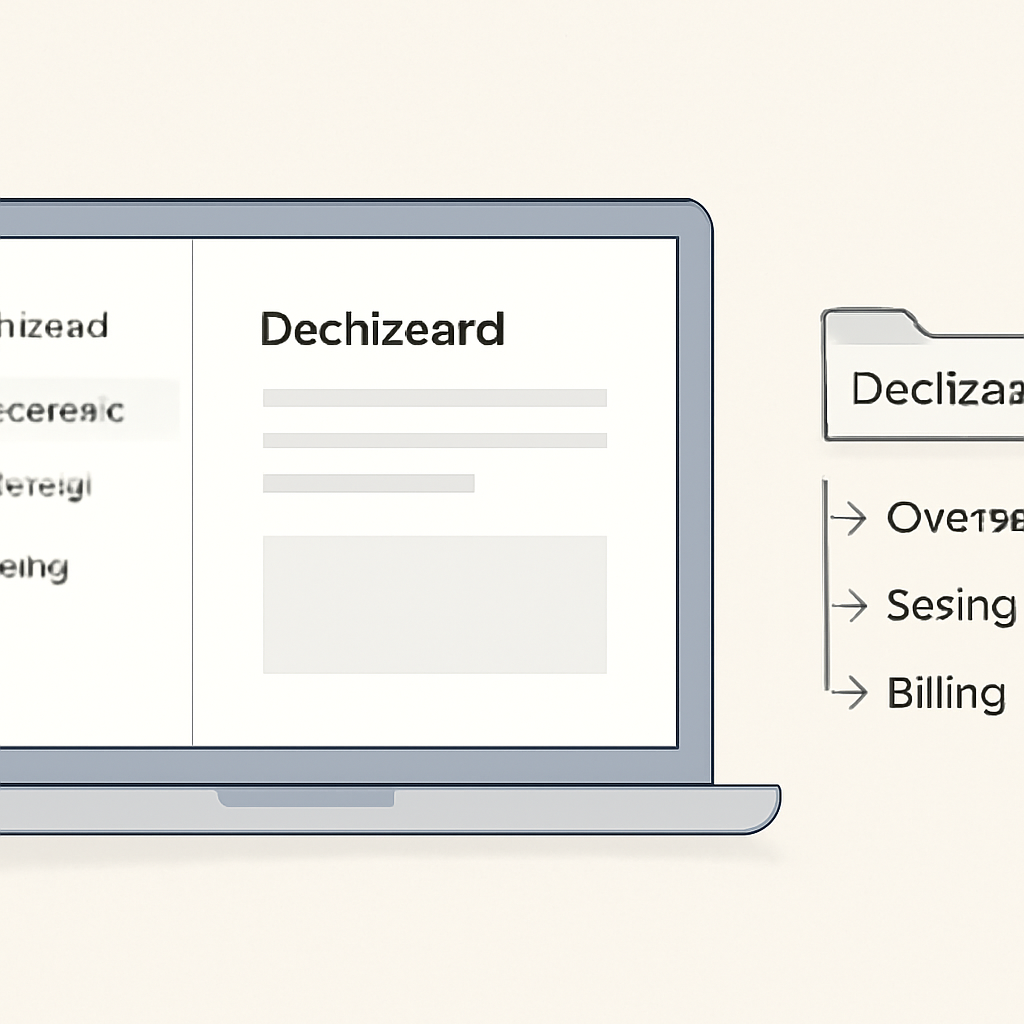
In Next.js App Router, nested layouts are defined by placing layout files in segment folders. Each layout wraps the content below it. This creates a clear, folder-based hierarchy of UI shells (e.g., app layout → dashboard layout → settings layout). Because layouts are first-class, you can build durable shells (navigation, sidebars) that persist across navigation, while the inner page changes.
Remix: nested UI via nested routes and Outlet
Remix treats nesting as the default: parent routes render an Outlet where child routes appear. Layout-like behavior comes naturally from route nesting. You typically create a parent route that renders shared chrome (navigation, sidebar) and an Outlet for the active child. The key difference is where the “layout boundary” lives: - Next.js App Router: layout boundaries are defined by special files in folders. - Remix: layout boundaries are defined by parent route modules rendering an Outlet.
3) Dynamic segments and URL patterns
Both frameworks handle dynamic segments well, but the syntax and ergonomics differ.
Next.js
- Dynamic segments are represented with bracket syntax in folder/file names (e.g., [id]).
- Catch-all and optional catch-all segments exist via naming conventions.
- In the App Router, params flow into server components and route handlers via framework-provided APIs.
Remix
- Dynamic segments are represented in route file names using a parameter convention (e.g., $id).
- Nested routes make it natural to have a dynamic parent (like a resource id) with multiple nested child screens (overview, settings, etc.).
- Params are available in loaders/actions and in components through Remix hooks.
4) Data loading: route-centric (Remix) vs rendering-centric (Next.js App Router)
Routing isn’t just URL mapping—most apps use route boundaries as data boundaries. This is where Remix and Next.js diverge most in philosophy.
Remix: loaders/actions tied to routes
Remix’s loader is explicitly route-scoped: each matched route can load the data it needs, and the framework composes those loader results for the full page. Mutations typically live in actions, which are also route-scoped. This makes it straightforward to answer questions like: - “Where does the data for this screen come from?” - “Where does this form submit?” The answer is usually: the route module.
Next.js App Router: data co-located with components (often server-side)
In Next.js App Router, data fetching is usually done inside server components and can be composed with React’s rendering model. Instead of a dedicated loader export, you typically fetch where you render, and let segment boundaries (pages/layouts) define where data is fetched and cached. This can feel very natural if you prefer component-driven composition. It also means data flow is shaped by React’s server/client split, and by where you draw boundaries between layouts, pages, and client components.
5) Mutations and forms: web fundamentals vs component-driven patterns
Remix: forms are a first-class routing primitive
Remix is intentionally “form-forward.” Standard HTML forms integrate deeply with routing: submissions can target actions, and Remix helps coordinate optimistic-ish UI updates and revalidation of loaders after mutations. Many teams like this because it aligns with the web platform and keeps complexity low.
Next.js: multiple mutation styles
In Next.js, mutations can be handled a few different ways depending on the router and architecture: - API routes / route handlers for HTTP endpoints - Server Actions in the App Router (where supported in your setup) - Client-side mutations via fetch/React Query/etc. This flexibility is powerful, but it can lead to more variation in patterns across a codebase unless you standardize on one approach.
6) Error handling and loading states at route boundaries
Both frameworks support route-level error handling and loading UI, but they express it differently.
Next.js App Router
- Segment-level loading UI can be defined at boundaries using special files (e.g., loading).
- Segment-level error UI is also boundary-based (e.g., error).
- This encourages you to think of each segment as an isolated “rendering unit” with its own UX for pending and failure states.
Remix
- Error boundaries can be defined per route module, so a child route error does not necessarily crash the whole app shell.
- Since data loading is route-scoped, errors from loaders/actions naturally map to the route that owns them.
- Pending UI is often handled using nested routes and navigation state, with patterns that align closely to the routing tree.
7) Route composition and code organization: scaling the app
When apps grow, routing choices strongly influence maintainability.
Next.js: segment folders encourage “feature shells”
App Router’s folder segments push you toward a directory structure that mirrors your URL hierarchy, with special files setting boundaries. Teams often create feature folders with their own layouts and shared components, keeping UI shells close to the routes they wrap. If you mix Pages Router and App Router in the same codebase (possible during migrations), you’ll want clear conventions to avoid fragmentation.
Remix: route modules encourage “route ownership”
Remix’s route modules make it clear which file owns data, mutations, and UI for a segment. This can reduce “where does this logic go?” debates, because the default answer is often “in the route module, or in a helper used by it.” The trade-off is that you may need to be intentional about extracting shared UI and domain logic so route files do not become overly large.
8) Choosing between them (routing-focused criteria)
If routing architecture is your primary decision factor, here are practical heuristics.
Choose Next.js (especially App Router) if you want:
- A routing system tightly integrated with React’s rendering model (including server components) and component-level composition.
- Nested layouts expressed as filesystem segment boundaries with dedicated files for loading/error UI.
- A broad ecosystem and multiple ways to implement data/mutations (route handlers, server actions, client fetching), with the option to standardize your preferred approach.
Choose Remix if you want:
- A routing model where each route clearly owns its data (loader), mutations (action), and error handling.
- A strong, default “HTML forms + HTTP” story that maps naturally onto nested routes.
- Predictable mental models for data refresh after mutations, aligned with route boundaries.
9) Common pitfalls (and how to avoid them)
- Next.js: Mixing patterns across routers. If you’re migrating, document when to use Pages Router vs App Router and avoid duplicating route concepts across both.
- Next.js: Unclear server/client boundaries. Establish conventions for where data fetching occurs and when to introduce client components.
- Remix: Overgrown route files. Extract shared UI, validation, and domain logic into modules while keeping the route as the orchestration point.
- Remix: Route naming complexity in large apps. Adopt a consistent route organization strategy early (and keep nesting intentional).
Conclusion
Next.js and Remix both deliver modern, nested routing—but they lead you to different “default architectures.” Next.js App Router frames routing around segment boundaries and rendering primitives (layouts, loading, error) with deep ties to React’s server/client model. Remix frames routing around route modules that own data loading and mutations, leaning heavily on web standards. If your team wants routing to be the center of data and mutation flow, Remix’s loader/action model is hard to beat. If you want routing that blends into a component-first rendering story with nested layouts as first-class filesystem constructs, Next.js App Router is a strong fit.