Data Fetching in Next.js vs Remix: A Practical, Modern Comparison
Compare data fetching in Next.js vs Remix: server rendering models, loaders/actions, caching and revalidation, nested routes, and practical decision criteria for modern React apps.
Data fetching is where full‑stack React frameworks feel most different day to day. Next.js and Remix both support server rendering, streaming, and great performance—but they structure “where data lives” and “how it gets to the UI” in notably different ways. This guide compares their core data‑fetching models, common patterns, and tradeoffs so you can pick the approach that fits your app and team.
- If you want a route-centric, web-platform approach with clear “load data before render” semantics, Remix is often simpler to reason about.
- If you want multiple rendering strategies (SSG/SSR/ISR) plus a deep ecosystem and multiple router options, Next.js provides more flexibility—but you’ll make more architectural choices.
- Both can be fast. The bigger difference is how they organize loading, mutations, caching, and revalidation.
1) Mental models: how each framework thinks about fetching
Next.js (App Router) in one sentence
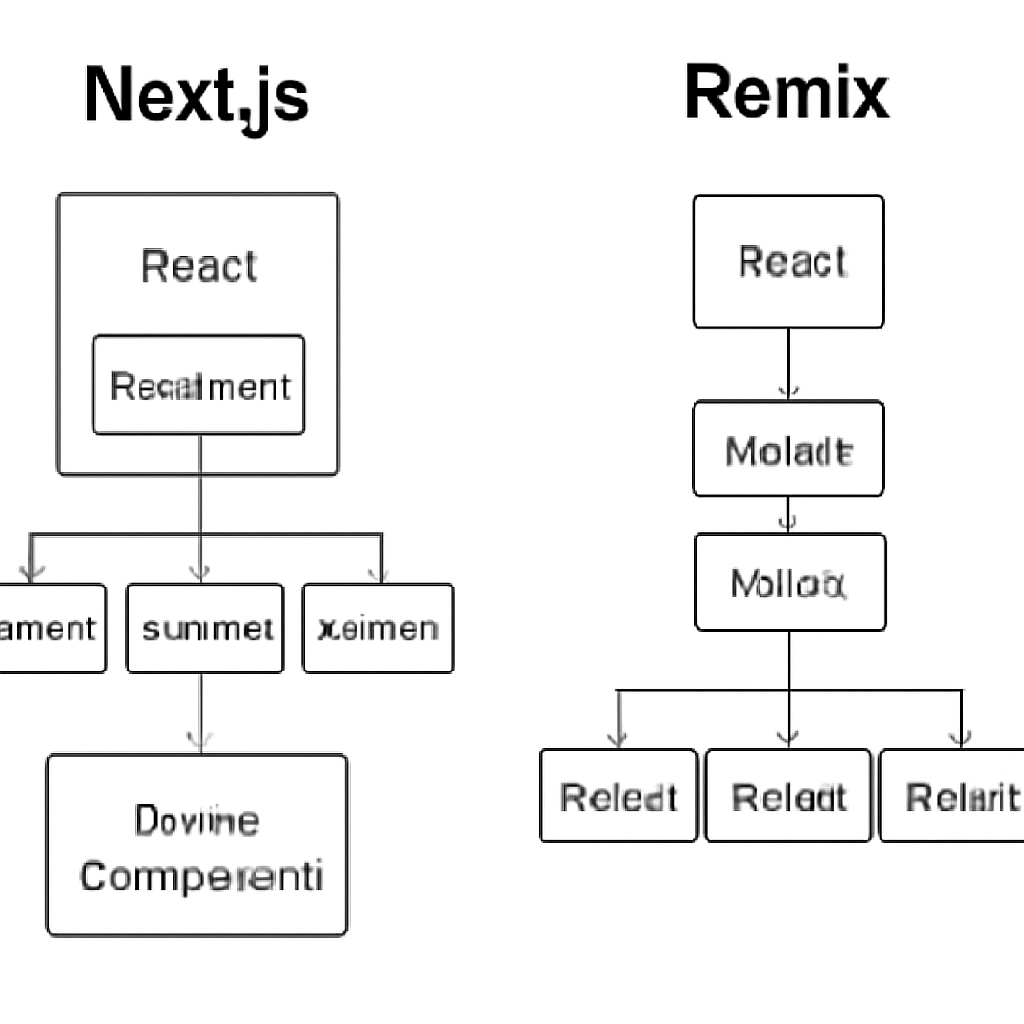
In Next.js App Router, data fetching typically happens in Server Components (or route handlers), and the rendered result is composed into the React tree; caching and revalidation are controlled via framework primitives (for example, per-request vs cached fetches, revalidation settings, and route segment configuration).
Remix in one sentence
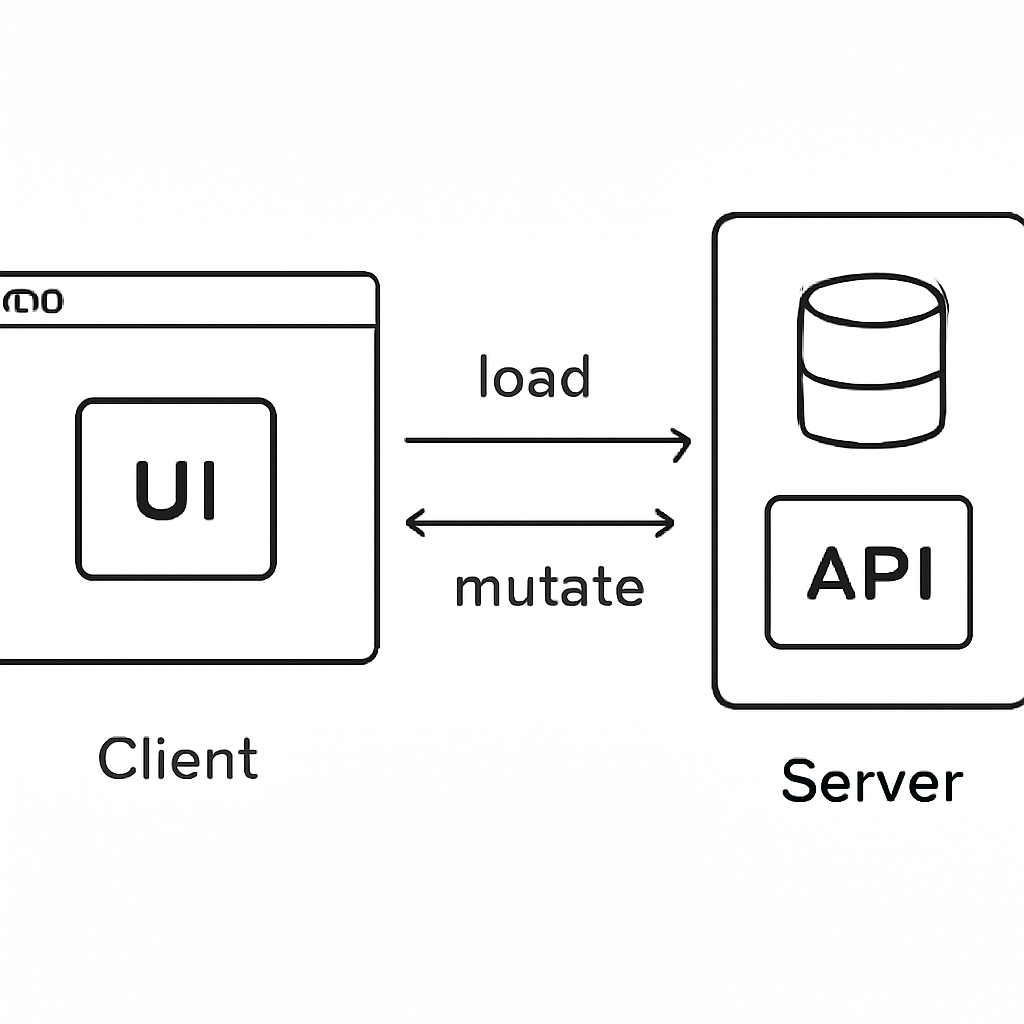
In Remix, each route declares a server-side loader for reading data and an action for mutations; the framework coordinates requests and revalidation so the UI stays consistent with the server after navigations and form submissions.
2) Fetching on the server: routes vs components
Remix: loaders are the primary read API
Remix encourages you to put route data requirements in one place: the route module’s loader. When a user navigates, Remix runs the loaders for the matched routes (including nested routes) and provides that data to components via hooks like useLoaderData. This makes it easy to see “what data does this URL need?” and keeps server-only code on the server.
Next.js: Server Components and route handlers
With the App Router, Next.js commonly fetches in Server Components (including page.tsx/layout.tsx or server-only utilities). You can call fetch directly in a Server Component and pass data down to Client Components as props. For custom endpoints, route handlers can serve JSON (or other responses) when you need an API-like surface.
- Remix advantage: loaders are explicitly tied to routes, so data dependencies are easy to map to URLs and nested UI.
- Next.js advantage: fetching can be colocated at the component level, enabling granular composition and server-first React patterns.
3) Mutations: forms, actions, and server updates
Remix: actions and HTML forms by default
Remix leans heavily into progressive enhancement. Mutations are typically handled by actions, often triggered by standard HTML forms. After an action runs, Remix knows which loaders to revalidate so the user sees updated data without you manually coordinating client cache invalidation.
Next.js: server actions, route handlers, or client mutations
In Next.js, mutations can be done in several ways depending on your setup: Server Actions (when using React Server Components features), route handlers (as API endpoints), or client-side requests to external APIs. The “right” approach depends on whether you want a direct server call from a form/component, an API boundary, or a client-managed state library.
4) Caching and revalidation: what stays fresh, and when?
Remix: revalidation is navigation- and mutation-aware
Remix’s default behavior is oriented around correctness: loaders run on the server and are re-run when Remix believes data might have changed (such as after an action) or when navigating. You can control revalidation behavior (for example, to avoid unnecessary reloads in certain cases), and you can use HTTP caching headers for fine-grained control at the edge/CDN level.
Next.js: built-in fetch caching + route segment configuration
Next.js provides framework-level caching and revalidation knobs. Depending on how you fetch and configure a route, results may be cached and reused across requests or revalidated on an interval or on-demand. This can deliver excellent performance, but it also means developers must be deliberate about where data should be static, dynamic, or periodically refreshed.
- If your top priority is “always show the latest server state after a mutation,” Remix’s action→revalidate story is straightforward.
- If your priority is “maximize reuse and performance via caching/ISR-like behavior,” Next.js offers more built-in options, but you must configure them carefully to avoid stale UI surprises.
5) Nested routes and partial loading
Remix: nested routes naturally split data responsibilities
Remix nested routes pair naturally with nested loaders: parent routes load shared layout data, and child routes load page-specific data. This makes it easy to avoid overfetching and to keep each part of the UI aligned with the URL hierarchy.
Next.js: nested layouts and component composition
Next.js App Router supports nested layouts and route segments, and you can fetch at multiple levels in the tree. The difference is that the boundary is typically “React component tree” rather than “route module loader.” This can be powerful, but teams often need conventions so data fetching doesn’t become scattered or duplicated.
6) Client-side interactions: spinners, optimistic UI, and transitions
Remix: navigation state and form helpers
Remix provides hooks for tracking navigation and submission state, which makes it ergonomic to show pending UI and implement optimistic updates where appropriate. Because Remix leans on forms and standard request semantics, many interactive flows remain robust even when JavaScript is slow or partially unavailable.
Next.js: React patterns + your choice of client caching tools
Next.js supports typical client patterns with React state and transitions, and many teams pair it with client fetching/caching libraries for rich client interactivity. If you rely heavily on client-side data caches, you’ll likely choose a library and establish revalidation/invalidation patterns that match your backend and UX goals.
7) Practical examples: which feels simpler for common app types?
Content sites and marketing pages
- Next.js often shines when you want static generation and incremental revalidation patterns for content-heavy sites.
- Remix also works well, especially when you prefer route loaders and HTTP caching headers, but the “static site” story is typically more configuration- and deployment-dependent.
CRUD dashboards and internal tools
- Remix’s loader/action model maps cleanly to CRUD: load list/detail in loaders, submit forms to actions, let Remix revalidate.
- Next.js can be excellent too, but you’ll pick among Server Actions, route handlers, and/or a client cache—more choices, more flexibility.
Highly interactive apps (real-time, heavy client state)
- Both frameworks can support this, usually with a dedicated client data layer and real-time transport (for example, WebSockets).
- Next.js’s ecosystem and flexible composition can be a plus, but Remix can still work well when you keep route data authoritative and layer real-time updates on top.
8) Decision checklist: Next.js vs Remix for data fetching
Choose Remix if you want:
- A clear, route-first data model (loader for reads, action for writes).
- Strong alignment with web standards (forms, requests, HTTP caching).
- Simple, consistent revalidation after mutations without designing your own cache story.
Choose Next.js if you want:
- Multiple rendering modes and caching strategies out of the box (static, dynamic, periodic or on-demand revalidation).
- Component-level server data fetching with React Server Components patterns.
- A broad ecosystem and flexibility to structure data boundaries in multiple ways.
9) Bottom line
Remix makes data fetching feel like part of routing: declare what a URL needs, mutate via actions, and let the framework revalidate. Next.js (App Router) makes data fetching feel like part of rendering: fetch in Server Components, compose UI, and use caching/revalidation primitives to balance freshness and performance. If your team values explicit route-level contracts and mutation-driven correctness, Remix is often the smoother fit. If you want maximum flexibility across rendering strategies and don’t mind making more architecture decisions, Next.js is a strong choice.